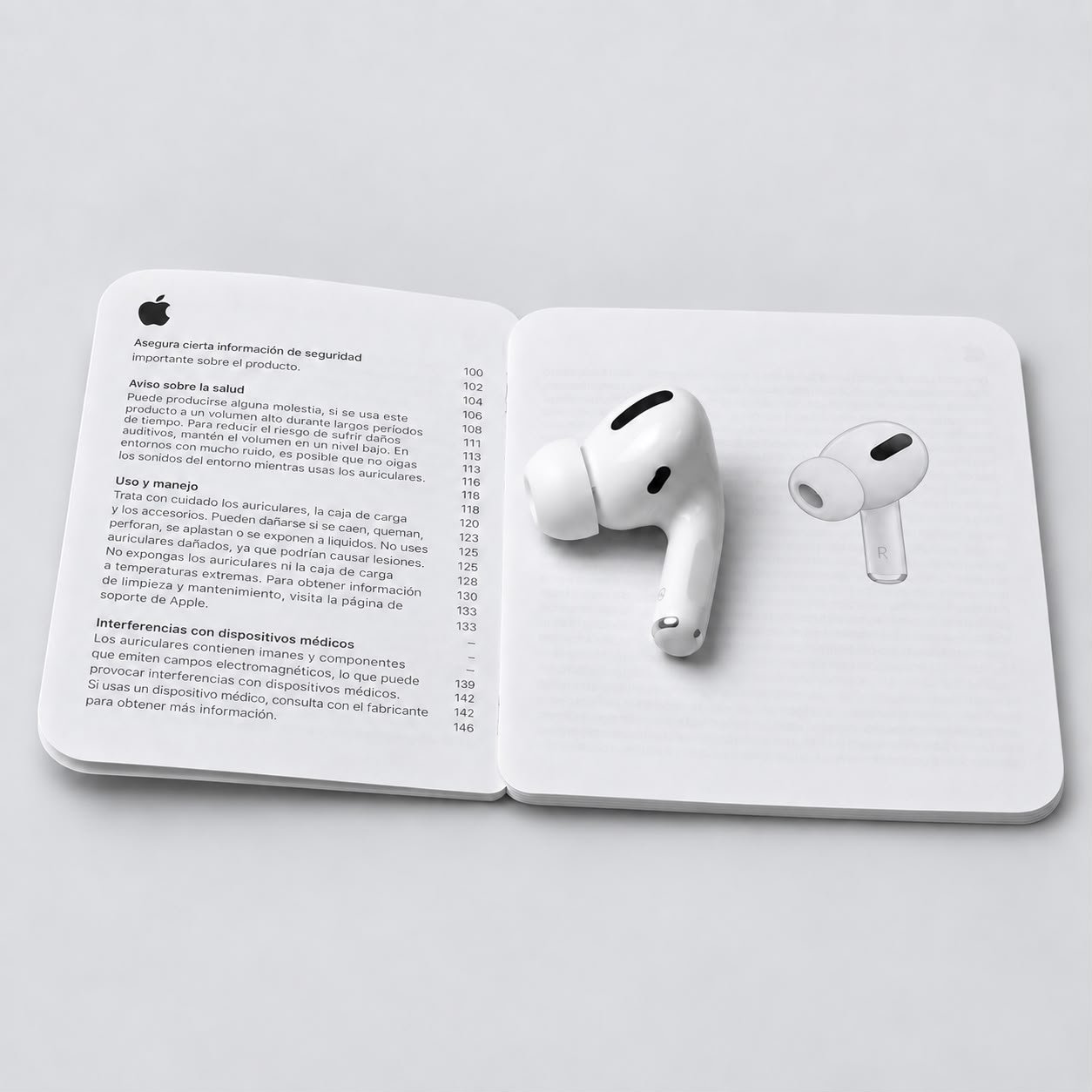
Clean earbuds can feel better, sound clearer, and make daily use more hygienic. The safest method is gentle, dry-first cleaning that follows the manufacturer’s instructions.

Gather simple cleaning supplies
Use a soft, dry, lint-free cloth and a clean, soft-bristled brush. Avoid sharp objects, abrasive cleaners, and direct streams of water. If the manufacturer permits a lightly damp cloth for the exterior, use very little moisture and keep liquid away from openings and charging contacts.
Clean the earbuds step by step
- Disconnect the earbuds and remove them from the charging case.
- Remove detachable ear tips if the product instructions allow it.
- Gently brush visible debris away from speaker and microphone openings without pushing material inward.
- Wipe the exterior with the cloth.
- Let every part dry completely before use or charging.
Clean the charging case
Remove loose debris with a dry brush and wipe the case exterior. Keep liquids out of charging ports and internal contacts. Never place damp earbuds inside the case because trapped moisture can affect charging and electronics.
Build a simple routine
Wipe the earbuds after exercise or extended wear, store them in their case, and inspect the mesh regularly. A quick routine is easier and safer than aggressive cleaning after heavy buildup. For product-specific help, visit Muri Sounds Support.
Frequently asked questions
Can I wash wireless earbuds under running water?
Do not do so unless the manufacturer explicitly says the exact model supports that method. Water resistance is not the same as permission to wash a device.
Can I use a toothpick to clean the speaker mesh?
A sharp object can damage the mesh or push debris deeper. A soft brush is the safer starting point.
Keep the instructions that came with your earbuds, and always follow model-specific care guidance before using any liquid cleaner.