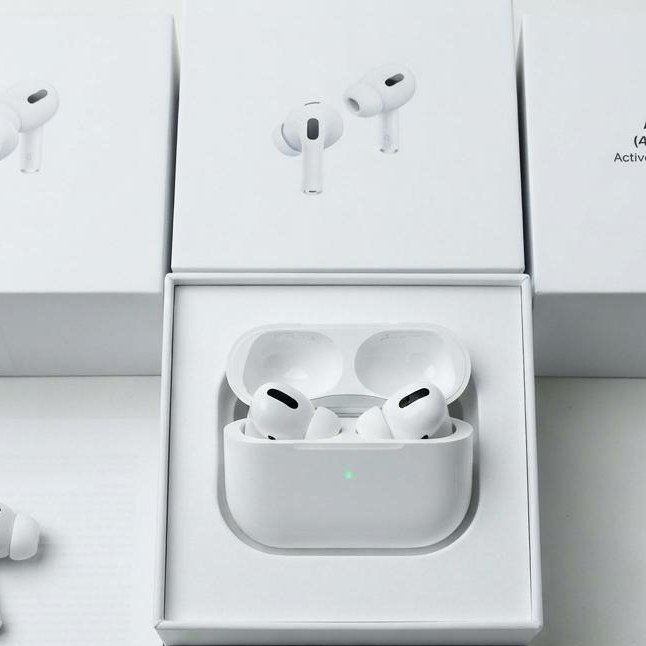
Category: Earbud Guides

Practical wireless earbud guides from Muri Sounds.

  • Wireless Earbuds for Work Calls: What to Look For

    Wireless Earbuds for Work Calls: What to Look For

    For work calls, reliable basics matter more than flashy specifications. Prioritize comfort, clear controls, compatible devices, and a stable connection.
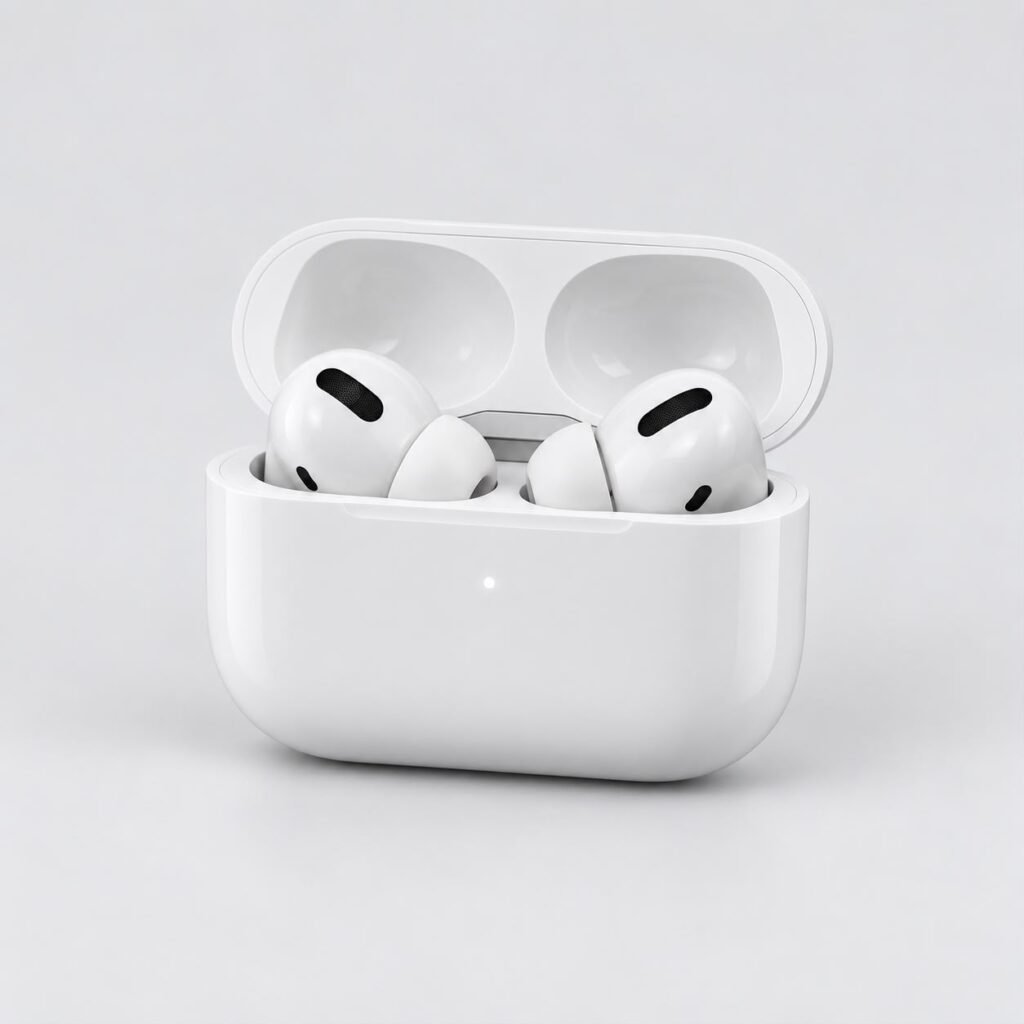
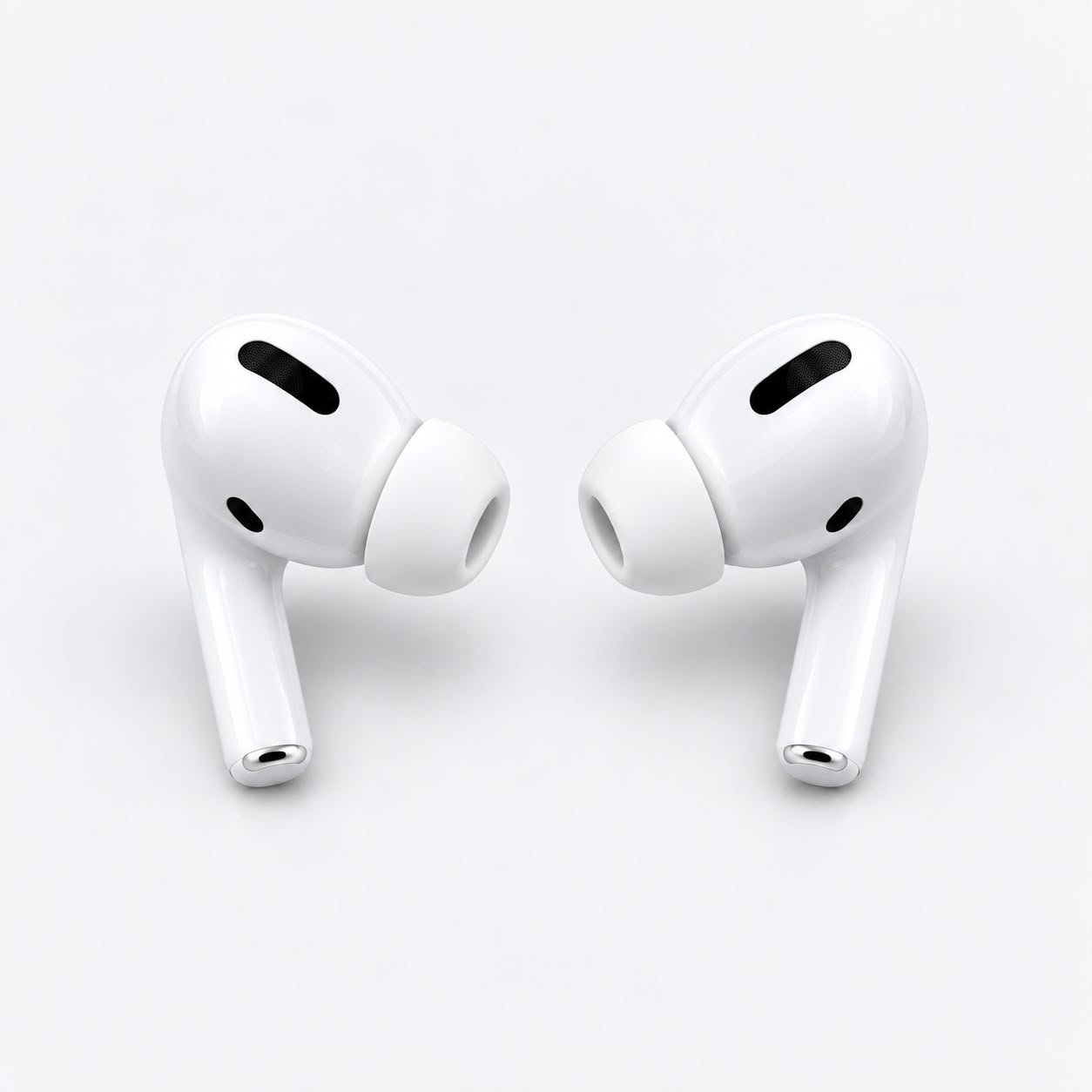
    Airbuds Pro 3 wireless earbuds in charging case

    Check your work devices first

    Confirm that the earbuds pair with the computer, phone, or tablet used for meetings. If your work platform has an audio settings screen, verify that the earbuds can be selected as both the speaker and microphone. Test this before an important call.

    Look for practical call controls

    Easy access to answer, end, mute, and volume controls can reduce interruptions. Read the product page and manual to see which controls are supported. Do not assume a touch gesture exists unless it is documented for that model.

    Comfort matters during long meetings

    A pair that feels fine for one song may become uncomfortable during an hour-long meeting. Choose a stable fit that does not create pressure, and take listening breaks between calls. Keep the volume low enough that you can hear comfortably without strain.

    Reduce avoidable connection problems

    Charge the earbuds and case before work, stay near the connected device, and reduce unnecessary wireless interference. If sound drops, toggle Bluetooth, reconnect, or forget and pair the device again. See the Muri Sounds technology page for the brand’s product approach.

    Frequently asked questions

    Are all wireless earbuds suitable for laptop calls?

    Not automatically. Confirm operating-system compatibility and test speaker and microphone selection in your meeting app.

    How can I avoid joining a meeting with the wrong microphone?

    Open the meeting app audio settings before the call and select the earbuds for both input and output.

    Compare Airbuds Pro 3 and Airbuds 4 using the confirmed details on each product page.
  • Wireless Earbuds vs Over-Ear Headphones: Which Is Better for You?

    Wireless Earbuds vs Over-Ear Headphones: Which Is Better for You?

    Wireless earbuds and over-ear headphones solve different problems. The better choice depends on where you listen, how long you wear them, and how much space you have.

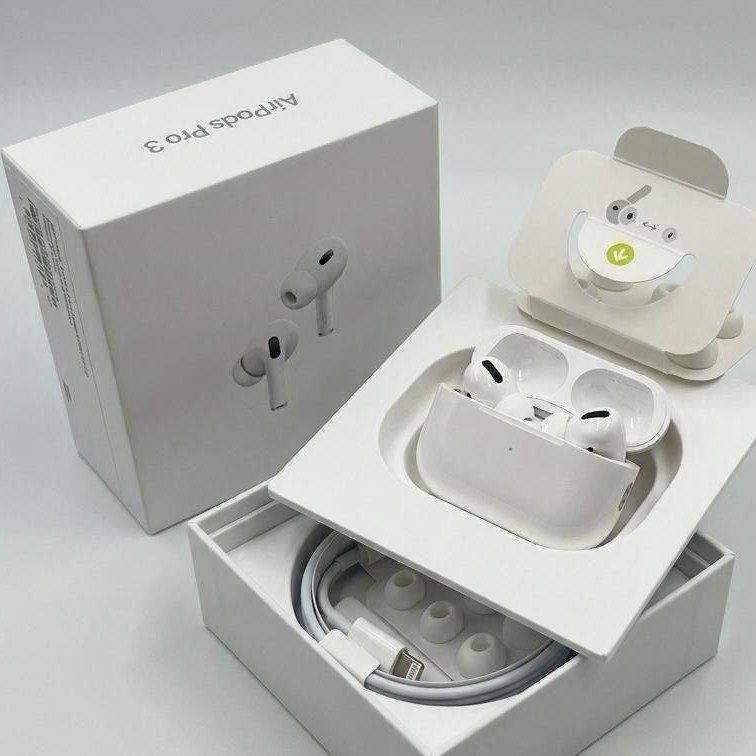
    Airbuds Pro 3 wireless earbuds product photo

    Portability and storage

    Earbuds and their charging case fit easily in a pocket or small bag. Over-ear headphones require more room, though folding designs can help. Frequent travelers and commuters may prefer the smaller format.

    Comfort and fit

    Earbuds sit in or near the ear canal, while over-ear headphones distribute contact around the ears and across a headband. Some listeners prefer one immediately; others need to try both. Long-session comfort is personal and should be tested when possible.

    Isolation and awareness

    Physical fit affects how much outside sound reaches you. Some models add listening modes, but availability varies. When walking, commuting, or working around other people, remain aware of your surroundings and use a moderate volume.

    Calls and everyday convenience

    Both formats can support calls, but microphone performance and controls vary by model. Check documented features instead of relying on the form factor alone. If portability is your priority, compare the wireless models in the Muri Sounds shop.

    Frequently asked questions

    Are earbuds always less comfortable than headphones?

    No. Comfort depends on ear shape, tip size, weight, clamping pressure, and listening duration.

    Which type is better for travel?

    Earbuds usually take less space, while some travelers prefer the feel and isolation of over-ear headphones.

    Choose the format that removes friction from your real routine rather than the one with the longest specification list.

  • How to Pair Wireless Earbuds With a Phone or Computer

    How to Pair Wireless Earbuds With a Phone or Computer

    Pairing wireless earbuds usually takes only a few steps: charge them, place them in pairing mode, select them in Bluetooth settings, and confirm the connection.

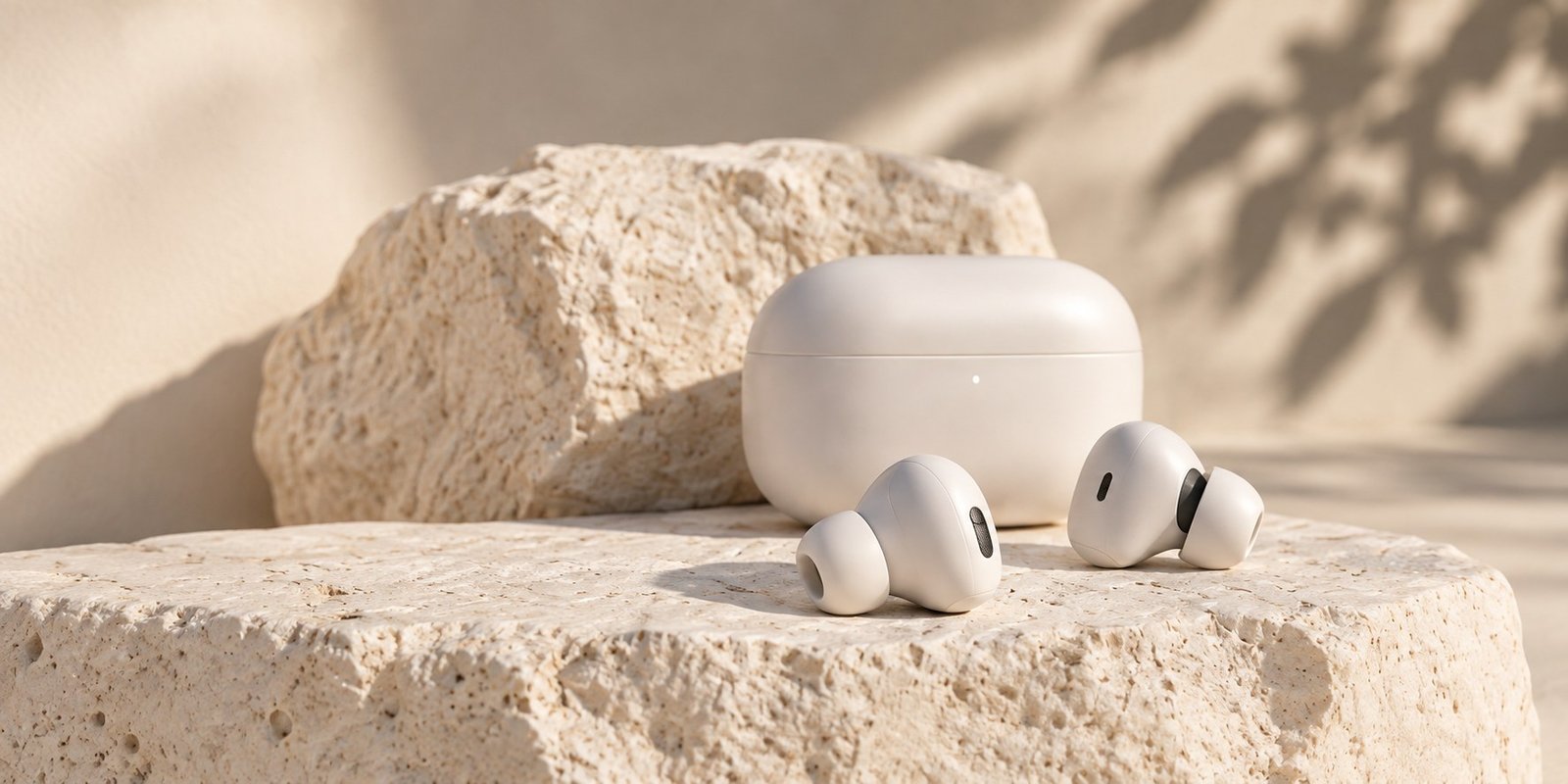
    Airbuds 4 earbuds inside the charging case

    Before you begin

    Charge the earbuds and charging case. Keep them close to the phone, tablet, or computer. If they were previously connected to another nearby device, disconnect that device temporarily so it does not reclaim the connection.

    Pair the earbuds

    1. Open Bluetooth settings on your device and turn Bluetooth on.
    2. Put the earbuds in pairing mode using the instructions for the model.
    3. Wait for the earbud name to appear in the available-device list.
    4. Select the name and accept any confirmation prompt.
    5. Play audio at a low volume to verify both sides.

    If the earbuds do not appear

    Move the earbuds closer, turn Bluetooth off and on, and return the earbuds to their case briefly. If needed, remove or forget an old saved connection, restart the phone or computer, and pair again. Avoid resetting the earbuds until you have checked the model-specific instructions.

    After pairing

    Confirm that the earbuds are selected as the audio output. For calls, also select them as the microphone input. If you need model-specific guidance, contact Muri Sounds Support.

    Frequently asked questions

    Why do my earbuds connect to the wrong device?

    A previously paired device may be nearby with Bluetooth enabled. Disconnect it before pairing with the new device.

    Do I need to pair the earbuds every time?

    Usually no. Most devices reconnect automatically after the first successful pairing when Bluetooth is on and the earbuds are available.

    Keep the product manual available because pairing-mode gestures and reset steps vary by model.

  • Why Is One Earbud Quieter Than the Other?

    Why Is One Earbud Quieter Than the Other?

    When one earbud sounds quieter, the cause may be fit, debris, audio balance settings, charging, the connection, or the recording itself. Test one factor at a time.

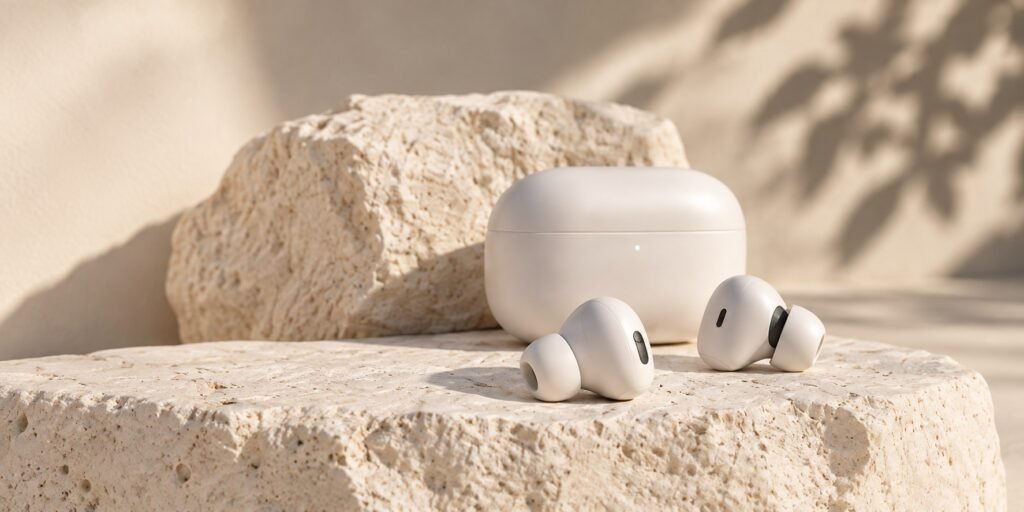
    Airbuds 4 individual earbud product detail

    Rule out the audio source

    Play a different song, video, or podcast. Some recordings intentionally place sounds more strongly on one side. Try another app and, if possible, another device to see whether the imbalance follows the earbuds.

    Check fit and cleanliness

    Reseat both earbuds and try the available ear-tip sizes. Inspect the quieter side for visible debris around the speaker opening. Clean it gently with a soft brush according to the manufacturer’s instructions, without sharp tools or excess liquid.

    Review balance and accessibility settings

    Phones and computers often include a left-right audio balance control. Make sure it is centered and that mono or hearing-assistance settings have not changed unexpectedly. Menu names vary by operating system.

    Reconnect and recharge

    Charge both earbuds fully, turn Bluetooth off and on, and reconnect. If the issue remains, forget the saved device and pair it again. Use a factory reset only when the model instructions recommend it. Contact Muri Sounds Support if the imbalance continues.

    Frequently asked questions

    Can earwax make one earbud sound quieter?

    Yes. Even a small blockage near the speaker mesh can reduce output, so inspect and clean the earbud carefully.

    Should I raise the volume to compensate?

    No. Higher overall volume can expose the other ear to excessive sound. Find and correct the cause of the imbalance first.

    Stop using the earbuds and seek appropriate professional advice if you notice a sudden hearing change that is present without the earbuds.

  • Safe Listening With Earbuds: Everyday Volume Habits

    Safe Listening With Earbuds: Everyday Volume Habits

    Safe listening depends on both volume and time. A few simple habits can reduce unnecessary sound exposure without taking the enjoyment out of music or podcasts.

    Wireless earbud detail on a navy background

    Use the lowest comfortable volume

    Start playback low and raise it only until speech and music are clear. Avoid turning the volume up automatically in noisy places. A better-fitting ear tip may improve clarity without extra volume.

    Take regular listening breaks

    Long sessions add to total sound exposure. Pause between meetings, playlists, or podcast episodes and give your ears quiet time. Built-in headphone safety alerts on some phones can help you notice listening patterns.

    Notice warning signs

    Ringing, muffled hearing, discomfort, or needing more volume than usual are reasons to stop and rest your ears. Persistent or sudden symptoms deserve assessment by a qualified healthcare professional.

    Stay aware of your surroundings

    Keep volume low enough to notice important alerts, traffic, and people around you when safety requires it. Never let immersive listening replace situational awareness. Learn more about Muri Sounds products on the technology page.

    Frequently asked questions

    Is there one safe volume percentage for every device?

    No. Output differs by device, earbud, recording, fit, and environment. Use the lowest comfortable level and pay attention to exposure time.

    What should I do if my ears ring after listening?

    Stop listening and rest your ears. Seek professional care if ringing persists, returns often, or is accompanied by sudden hearing changes.

    The CDC advises keeping headphone volume at a safe level; healthy listening habits matter regardless of the earbud model you use.

  • How to Store and Protect Wireless Earbuds

    How to Store and Protect Wireless Earbuds

    Good storage protects wireless earbuds from moisture, debris, impact, and accidental loss. The charging case should be their normal home when they are not in use.

    Airbuds 4 product with retail packaging

    Use the case consistently

    Place both earbuds in the correct charging slots after use and confirm they are seated properly. A case protects small speaker openings and charging contacts from pocket debris while making the pair easier to find.

    Keep moisture away

    Dry the earbuds before returning them to the case, especially after exercise or humid conditions. Do not store a damp cloth, wet ear tips, or liquid products with the earbuds. Moisture resistance varies by model and does not make the charging case waterproof.

    Avoid heat and crushing pressure

    Do not leave earbuds in a hot vehicle, direct sunlight, or near a heater. Keep the case out of places where it can be sat on, crushed, or dropped. When traveling, use a secure pocket inside your bag.

    Inspect before charging

    Check that the contacts are clean and dry before connecting power. Use the charging accessories and electrical guidance specified for your product. For help with care or charging, visit Muri Sounds Support.

    Frequently asked questions

    Can I keep loose earbuds in my pocket?

    The charging case is safer because pockets can contain lint, moisture, keys, and other objects that may damage the earbuds.

    Should earbuds be stored fully charged?

    Follow the manufacturer’s battery guidance, especially for long-term storage. For daily use, the main priority is keeping them clean, dry, and protected.

    A ten-second storage routine can prevent many of the most common avoidable problems.

  • A Practical Wireless Earbud Travel Checklist

    A Practical Wireless Earbud Travel Checklist

    Wireless earbuds are easy to travel with when charging, pairing, storage, and offline listening are handled before you leave.

    Airbuds wireless earbuds prepared for everyday travel

    Before departure

    • Charge the earbuds and case.
    • Confirm they reconnect to your primary device.
    • Pack the correct charging cable.
    • Download music, podcasts, or maps for offline use.
    • Clean the earbuds and let them dry fully.

    Pack for quick access

    Keep the charging case in a secure pocket that is easy to reach but difficult to lose. Avoid placing loose earbuds in trays, seat pockets, or open bags. If you carry spare ear tips, store them in a small clean container.

    Plan for shared and public spaces

    Use a moderate volume and remain aware of announcements and people around you. On a plane, train, or bus, do not raise volume simply to overpower background noise. Take breaks during long trips.

    Troubleshoot before the trip

    If pairing or charging has been unreliable, resolve it before departure. Test both earbuds, the case, and the cable. Save the Muri Sounds Support page so you can find help quickly.

    Frequently asked questions

    Should I download audio before traveling?

    Yes. Offline downloads can prevent interruptions when Wi-Fi or mobile data is weak or unavailable.

    Where should I store earbuds during airport security?

    Keep both earbuds in their case and place the case in a secure, easy-to-monitor part of your carry-on bag.

    Need a compact listening option? Compare the current products in the Muri Sounds shop before your next trip.

  • How to Get a Better and More Comfortable Earbud Fit

    How to Get a Better and More Comfortable Earbud Fit

    A better earbud fit can improve comfort, stability, and perceived sound quality. The goal is a secure seal without pressure or pain.

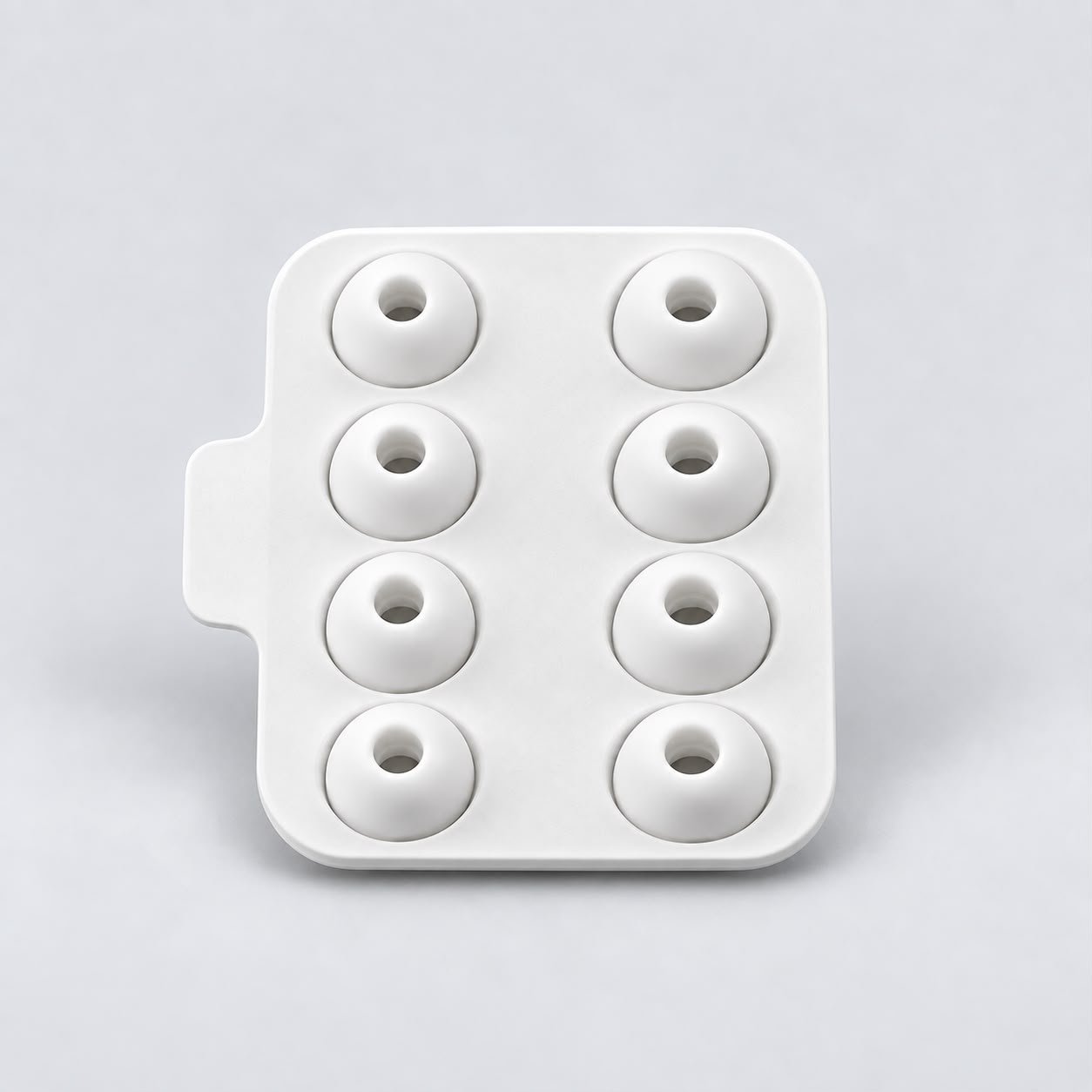
    Airbuds 4 ear tips for a comfortable fit

    Try each ear separately

    Your left and right ears may not need the same tip size. Test the available sizes one ear at a time. Insert each earbud gently, then rotate it slightly until it rests securely. Do not force it deeper into the ear canal.

    Check for a stable seal

    A good seal should feel secure when you talk or move your head. Music should sound balanced at a moderate volume. If bass seems weak or outside noise changes dramatically when you press the earbud inward, try another tip size or reposition the earbud.

    Watch for signs of poor fit

    Pain, persistent pressure, frequent slipping, and the need to keep readjusting are signs that the fit is not right. Remove the earbuds and try a different size or wearing angle. Stop using them if discomfort continues.

    Keep tips clean and dry

    Oil and moisture can make ear tips slip. Clean detachable tips according to the product instructions and let them dry completely before reattaching them. Explore current designs in the Muri Sounds shop.

    Frequently asked questions

    Can each ear use a different ear-tip size?

    Yes. Ear canals can differ, so using different sizes may create a more balanced and comfortable fit.

    Does a tighter fit always mean better sound?

    No. The fit should seal gently. Excess pressure can be uncomfortable and is not necessary for good listening.

    If a fit problem continues, contact Muri Sounds Support before modifying the earbuds or their tips.

  • How to Clean Wireless Earbuds Safely

    How to Clean Wireless Earbuds Safely

    Clean earbuds can feel better, sound clearer, and make daily use more hygienic. The safest method is gentle, dry-first cleaning that follows the manufacturer’s instructions.

    Airbuds Pro 3 wireless earbuds product detail

    Gather simple cleaning supplies

    Use a soft, dry, lint-free cloth and a clean, soft-bristled brush. Avoid sharp objects, abrasive cleaners, and direct streams of water. If the manufacturer permits a lightly damp cloth for the exterior, use very little moisture and keep liquid away from openings and charging contacts.

    Clean the earbuds step by step

    1. Disconnect the earbuds and remove them from the charging case.
    2. Remove detachable ear tips if the product instructions allow it.
    3. Gently brush visible debris away from speaker and microphone openings without pushing material inward.
    4. Wipe the exterior with the cloth.
    5. Let every part dry completely before use or charging.

    Clean the charging case

    Remove loose debris with a dry brush and wipe the case exterior. Keep liquids out of charging ports and internal contacts. Never place damp earbuds inside the case because trapped moisture can affect charging and electronics.

    Build a simple routine

    Wipe the earbuds after exercise or extended wear, store them in their case, and inspect the mesh regularly. A quick routine is easier and safer than aggressive cleaning after heavy buildup. For product-specific help, visit Muri Sounds Support.

    Frequently asked questions

    Can I wash wireless earbuds under running water?

    Do not do so unless the manufacturer explicitly says the exact model supports that method. Water resistance is not the same as permission to wash a device.

    Can I use a toothpick to clean the speaker mesh?

    A sharp object can damage the mesh or push debris deeper. A soft brush is the safer starting point.

    Keep the instructions that came with your earbuds, and always follow model-specific care guidance before using any liquid cleaner.

  • How to Choose Wireless Earbuds for Everyday Use

    How to Choose Wireless Earbuds for Everyday Use

    The best wireless earbuds are the pair that fits your routine, stays comfortable, and is simple to use. Start with your real listening habits instead of a long feature list.

    Airbuds 4 wireless earbuds with charging case

    Start with where you listen

    Think about your most common setting: commuting, working at a desk, exercising, taking calls, or relaxing at home. A compact pair may be convenient for travel, while a secure fit matters more when you move often. If calls are important, look for clearly documented microphone and call controls rather than assuming every model performs the same way.

    Prioritize fit and comfort

    Ear shape varies from person to person. Choose a design that can sit comfortably without pressure, and check whether different ear-tip sizes are included when the model uses silicone tips. A stable seal can improve perceived bass and reduce the need to raise volume. Comfort should be evaluated over a normal listening session, not only for a few minutes.

    Check the controls and device compatibility

    Confirm that the earbuds can pair with the phone, tablet, or computer you use. Review how play, pause, calls, and volume are controlled. Simple controls reduce friction during everyday use. You can also read the brand’s technology overview and product documentation before purchasing.

    Compare the full ownership experience

    Consider the charging case, cleaning needs, warranty information, return policy, and access to support. Product price alone does not tell you how easy a pair will be to own. Browse the Muri Sounds shop to compare the currently available models and review each product page carefully.

    Frequently asked questions

    What matters most when buying wireless earbuds?

    Fit, comfort, compatibility, clear controls, and dependable support are the strongest starting points.

    Should I choose earbuds based only on battery claims?

    No. Battery estimates can vary with volume, calls, connection quality, and features. Consider the complete daily experience.

    Ready to compare options? View Airbuds Pro 3 and Airbuds 4, then choose the model that best matches your routine.